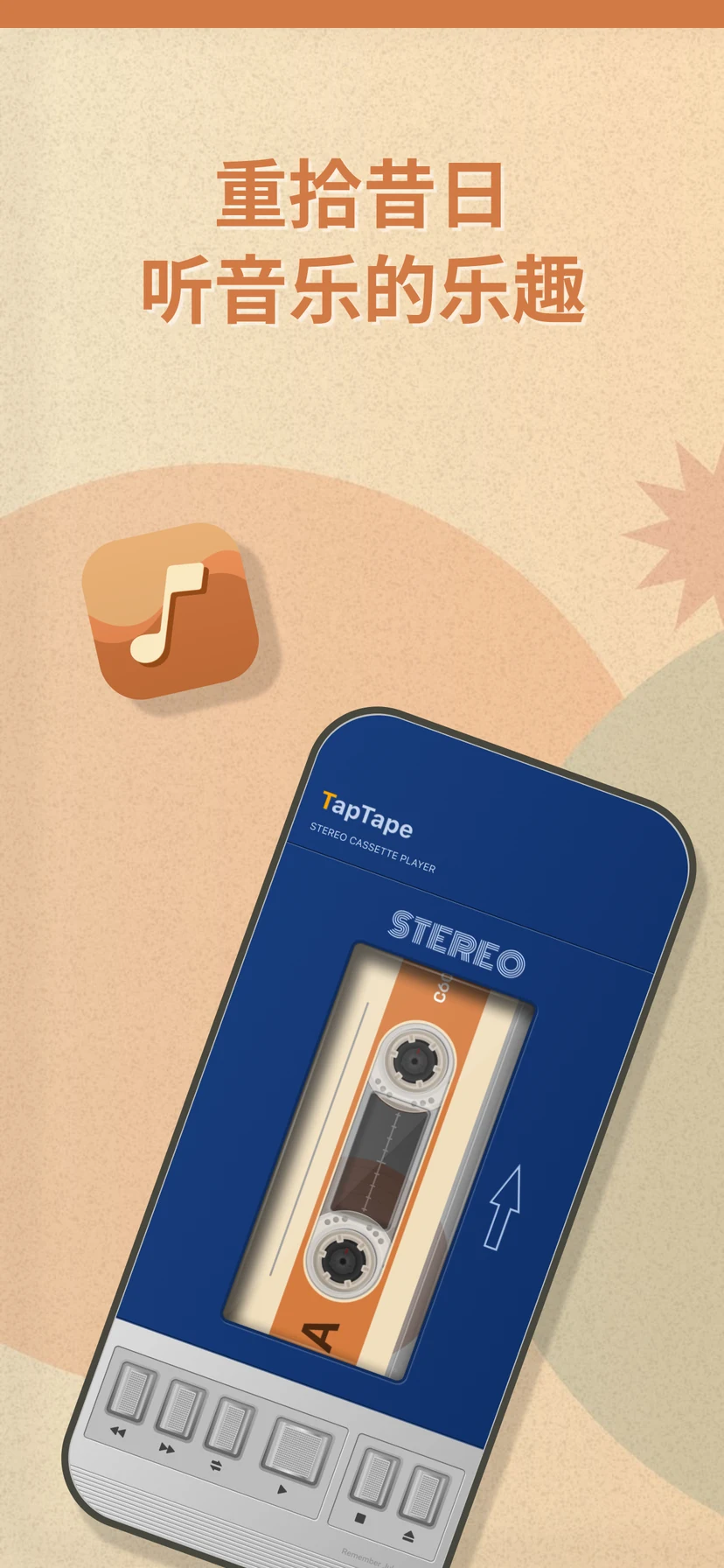
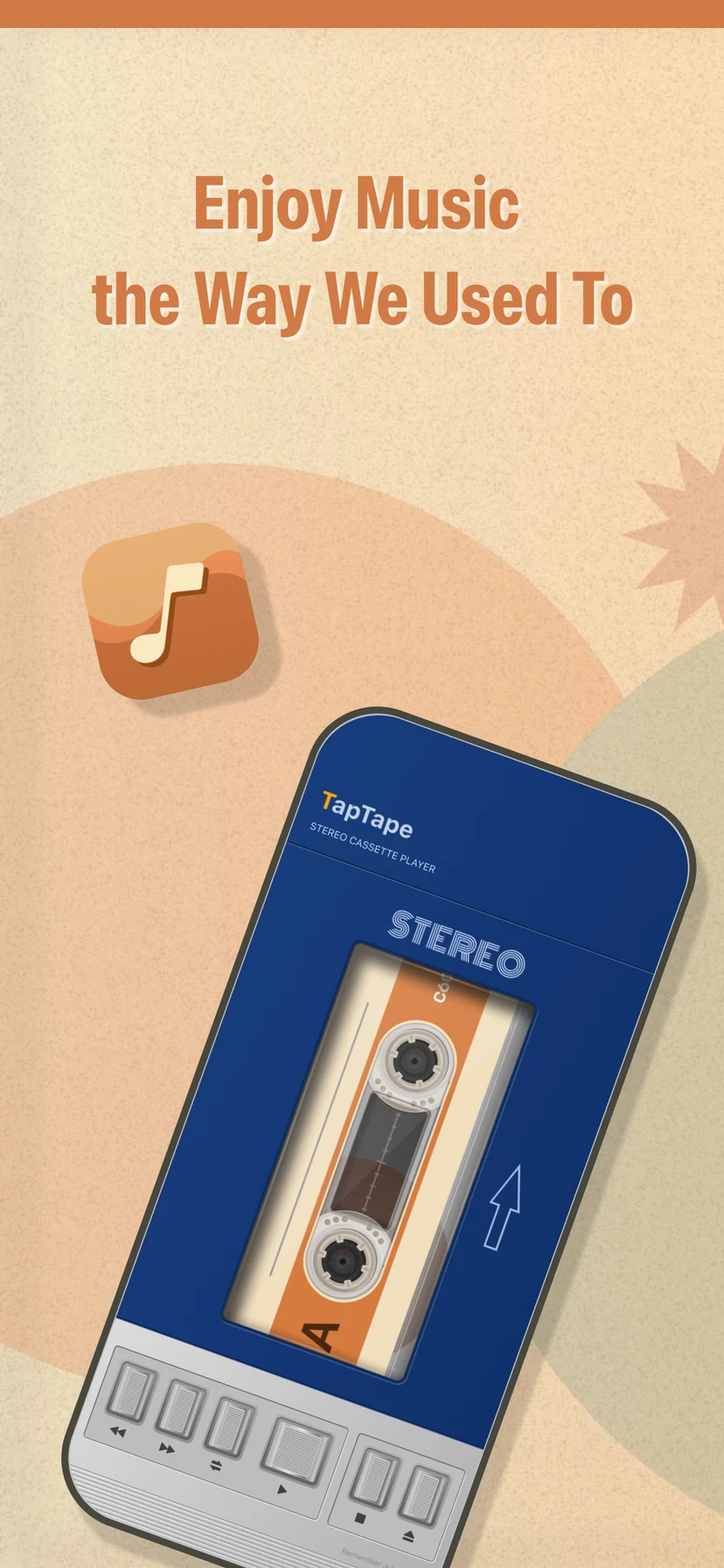
Enjoy music the way we used to.
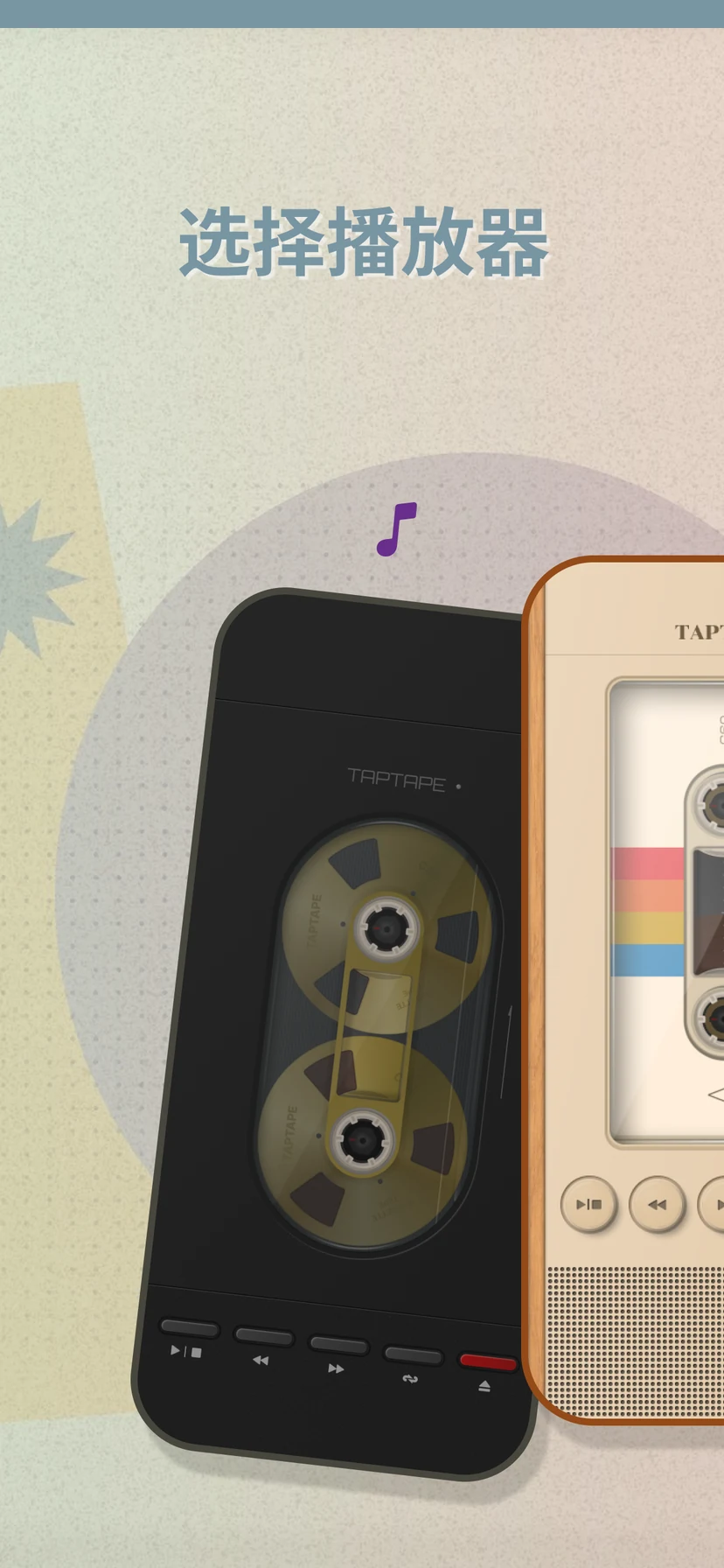
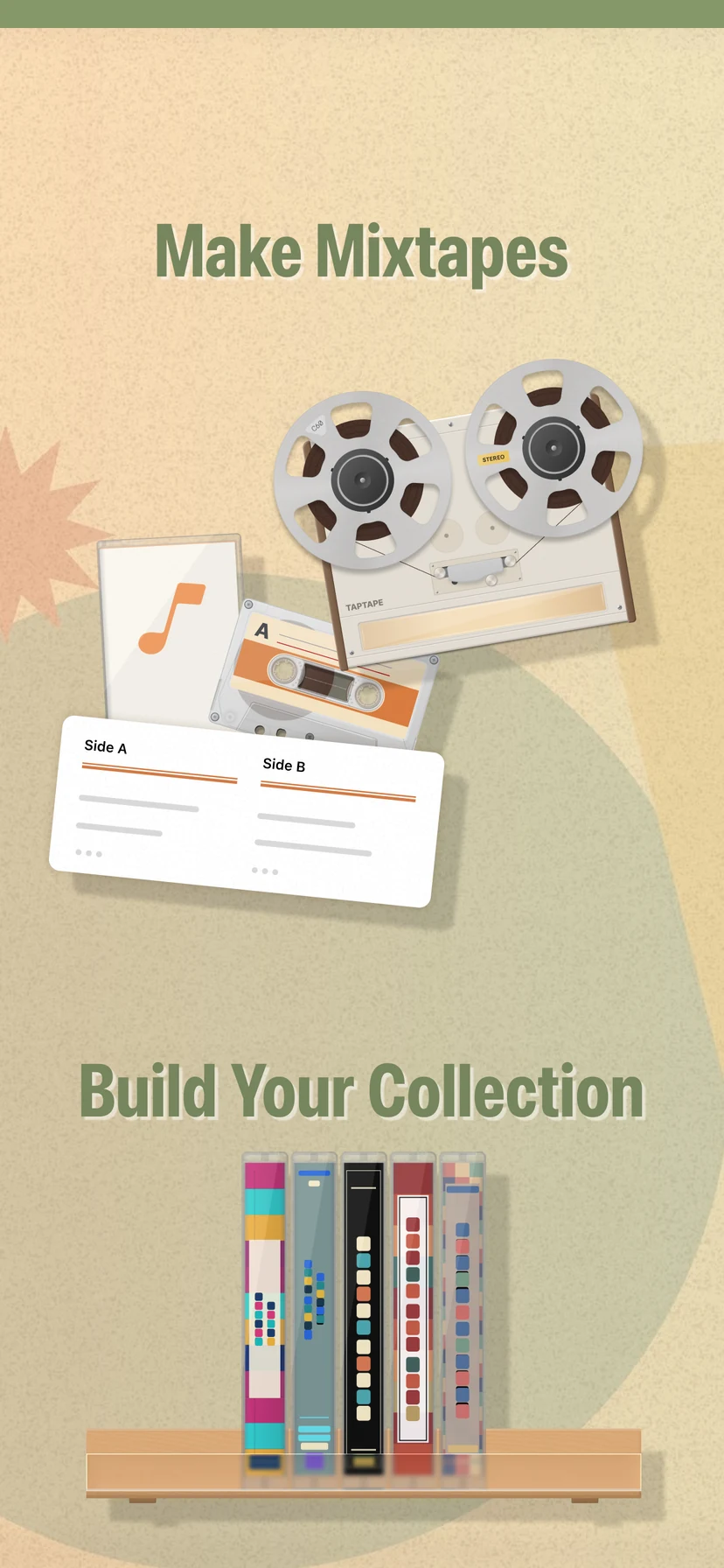
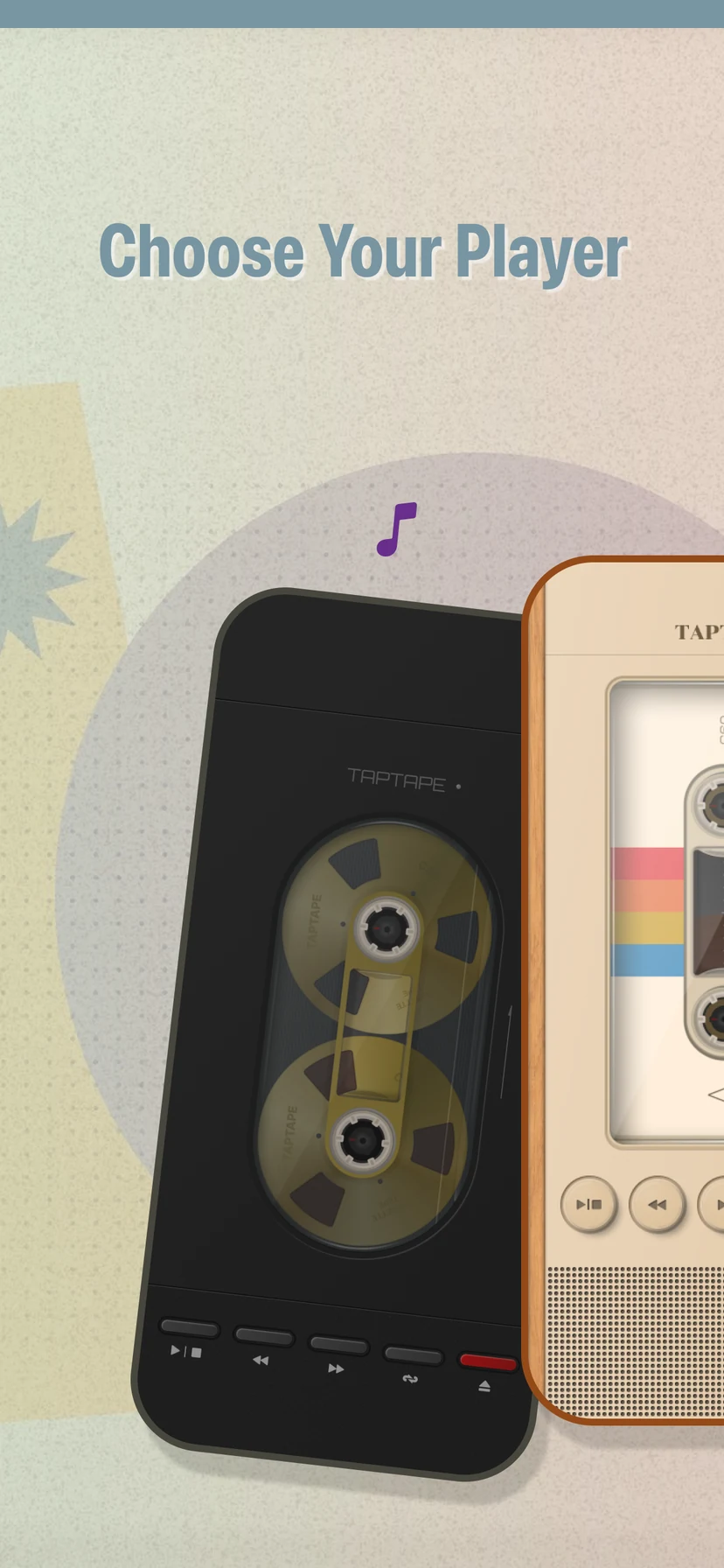
Build your virtual tape collection with Apple Music and play it through true-to-life cassette players.

01
Start here
About TapTape & system requirements
TapTape lets you make, collect, and play virtual mixtapes with Apple Music.
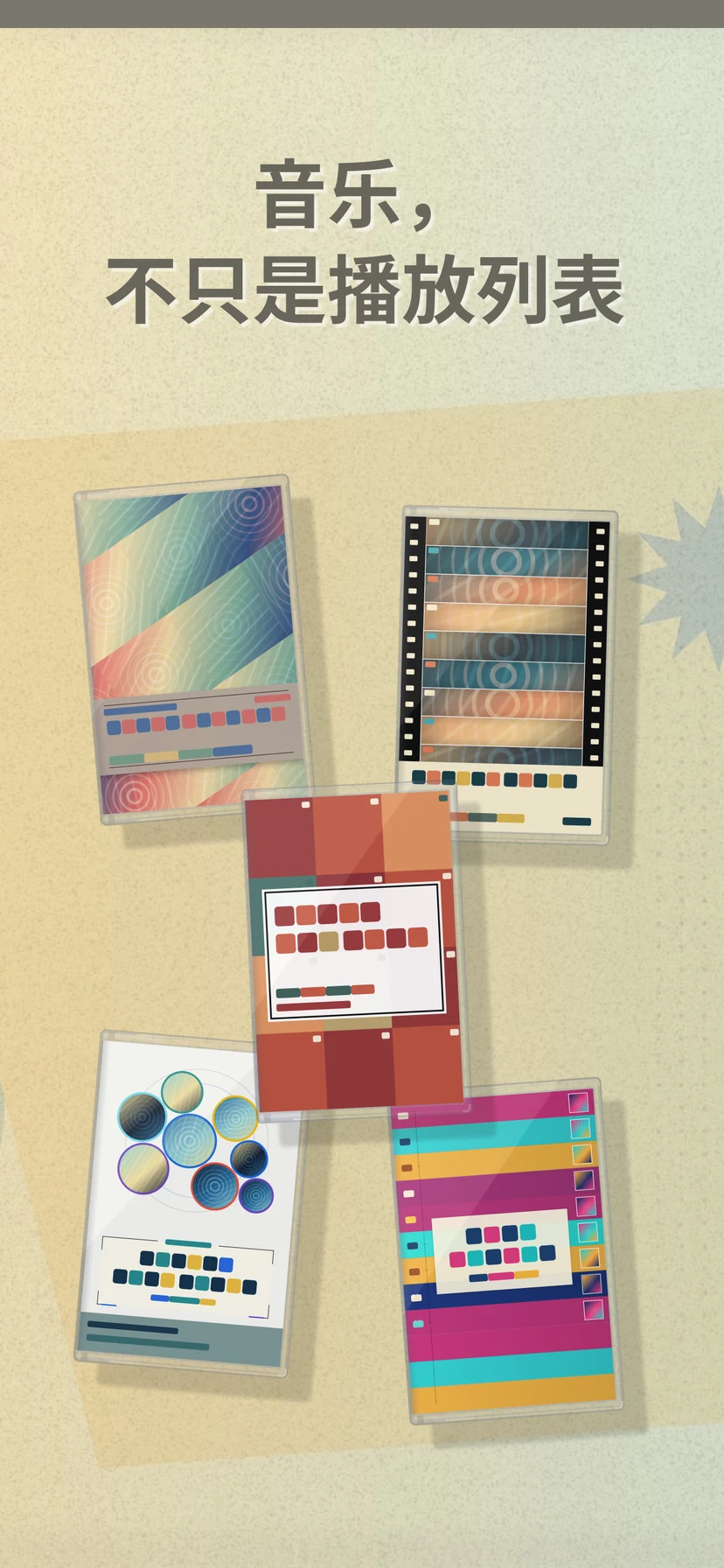
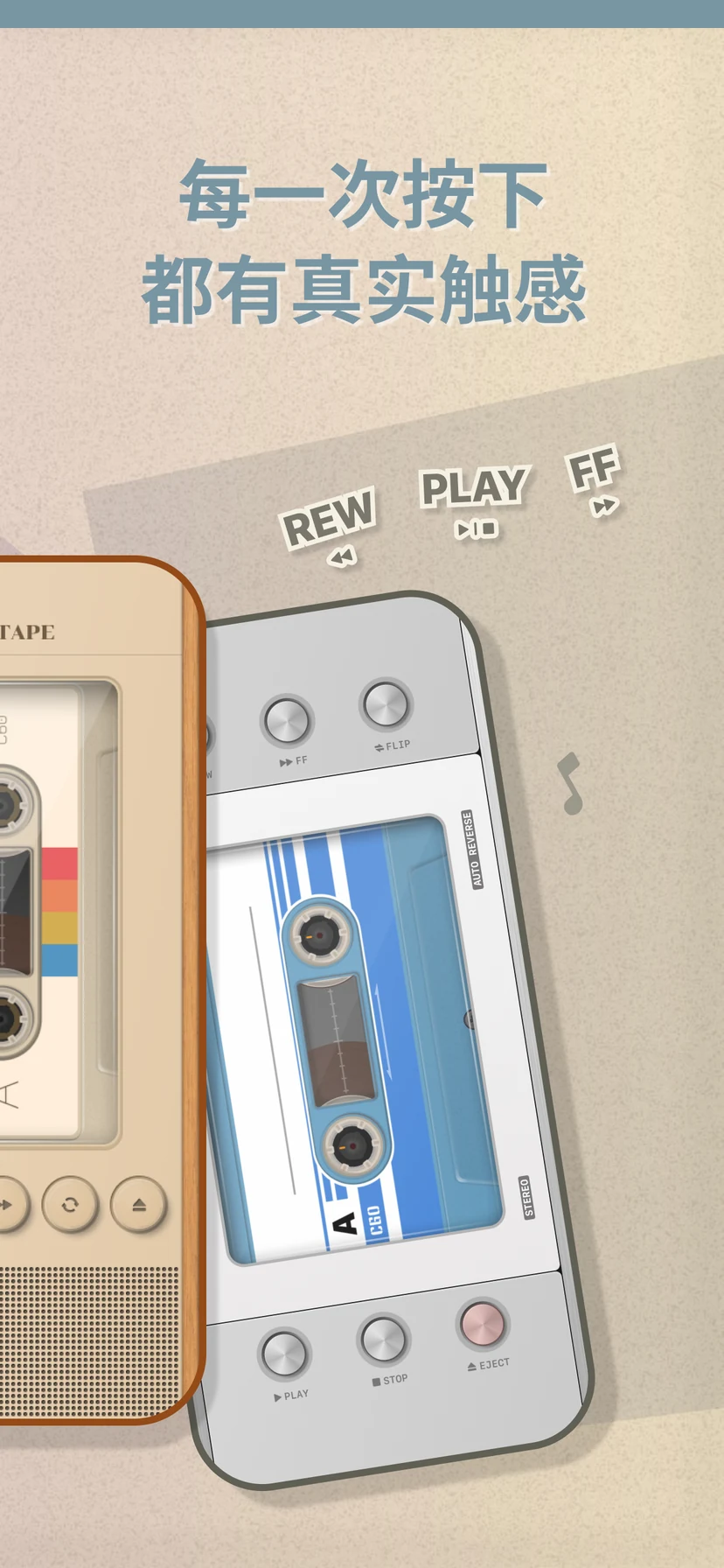
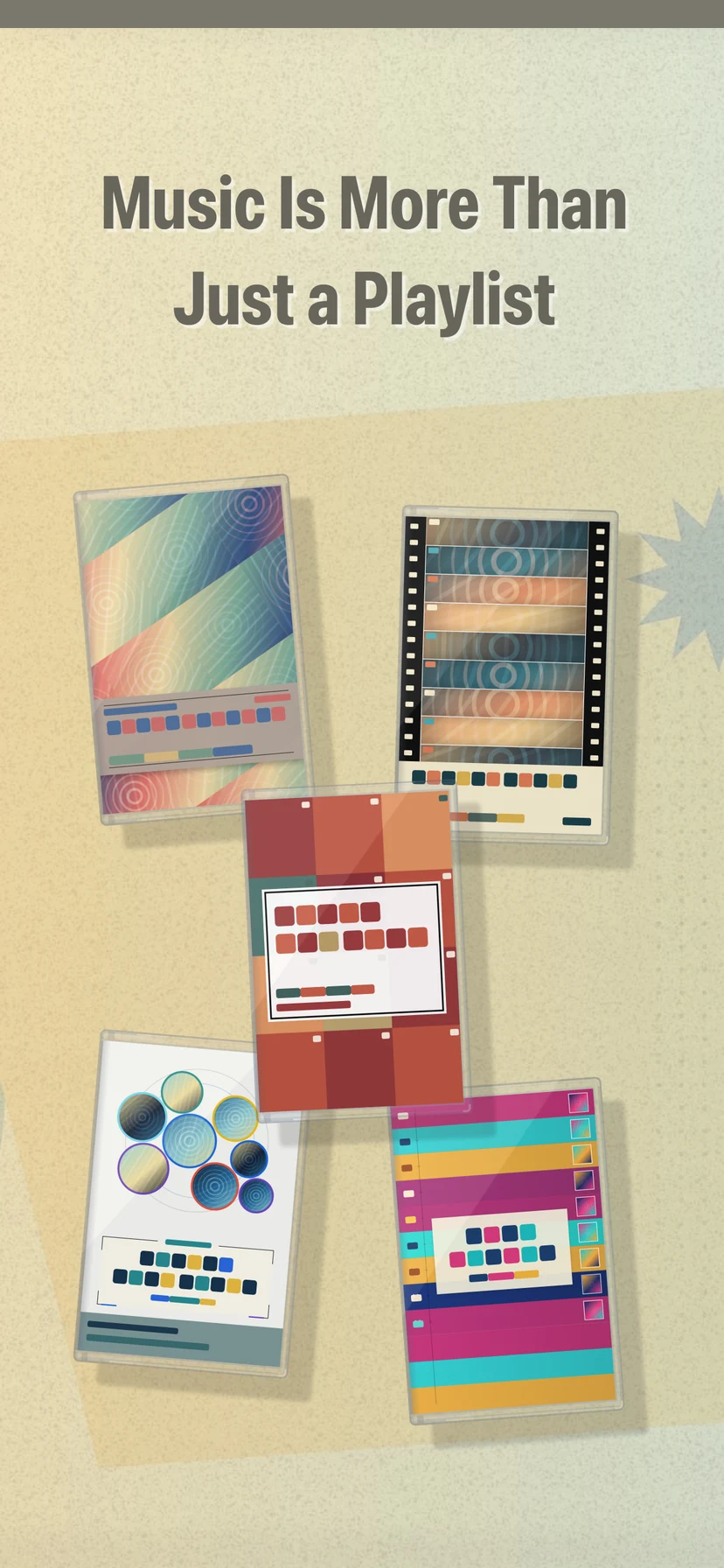
Each tape keeps its track order, cover artwork, cassette style, and physical playback behavior, so listening feels closer to a real cassette player than opening a playlist.
- Device Compatible iPhone and iPad
- Software iOS 26.0 or later
- Account Apple Account
- Connection Internet access
Enable iCloud to keep your tape library in sync across supported devices. Sync also depends on available iCloud storage, network access, and Apple service availability.
02
Playback access
Apple Music subscription requirement

An active Apple Music subscription is required for TapTape’s Apple Music catalog playback and core music experience.
- Grant Apple Music and media-library access when TapTape asks.
- Catalog availability can vary by country, region, storefront, and rights-holder availability.
- TapTape Pro is separate from Apple Music. It does not include or replace an Apple Music subscription.
03
Quick answers
Frequently asked questions
Where is my tape library stored?
Your collections, tapes, tracks, and cover images use TapTape’s iCloud-enabled library with an on-device backing store. When iCloud is available, the library syncs through your private iCloud database. iCloud sync is available to Free and Pro users.
Why can’t TapTape find or play a song?
TapTape saves track metadata rather than copying audio. It resolves playable Apple Music tracks for the current device and storefront, so a track can be unavailable because of your region, subscription status, Apple Music permissions, network connection, or catalog changes.
What does C60 mean?
C60 is a 60-minute cassette format with 30 minutes on Side A and 30 minutes on Side B. TapTape uses that physical side duration when arranging and playing a double-sided tape.
Why is there silence at the end of a side?
The remaining blank tape is intentional. After the last track, the tape continues moving to the physical end of that side before auto-reversing or stopping according to your playback setting.
What happens when TapTape Pro ends?
Your existing tapes are not deleted solely because Pro ends, and iCloud sync remains available. After the paid period, the Free saved-tape limit and restrictions on Pro-only styles, cover templates, and players may apply again.
Does deleting TapTape cancel my subscription?
No. App Store subscriptions must be managed or canceled separately through Apple.
04
TapTape Pro
Manage subscriptions & restore purchases
Manage or cancel
- Open TapTape and go to More.
- Tap the TapTape Pro row, then Manage Subscription.
- Review, change, or cancel the plan in Apple’s subscription screen.
You can also open iPhone Settings, tap your name, then tap Subscriptions.
Apple’s subscription instructionsRestore purchases
- Confirm the iPhone uses the same Apple Account that made the purchase.
- In TapTape, go to More and open TapTape Pro.
- Tap Restore Purchases on the plan screen and allow the App Store status to refresh.
Restoring does not create a second charge. If access still does not appear, restart TapTape and contact support with your TapTape and iOS versions.
Apple’s purchase-restore helpStill stuck?
Send us a note.
Tell us what you expected, what happened, and your TapTape and iOS versions. Please do not send your Apple Account password or payment information.